Production Management
Document Revision
Version | Date | Author | Description |
1.1 | 01/10/2026 | Joseph Okech | Updated process adding accounting entires the system creates for each process |
How to capture production
- Log in to the ERP with a user account which has access to the Production module.
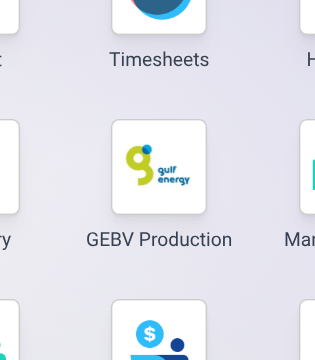
- Under Orders menu select Production Orders

- Click the New button to create a new production
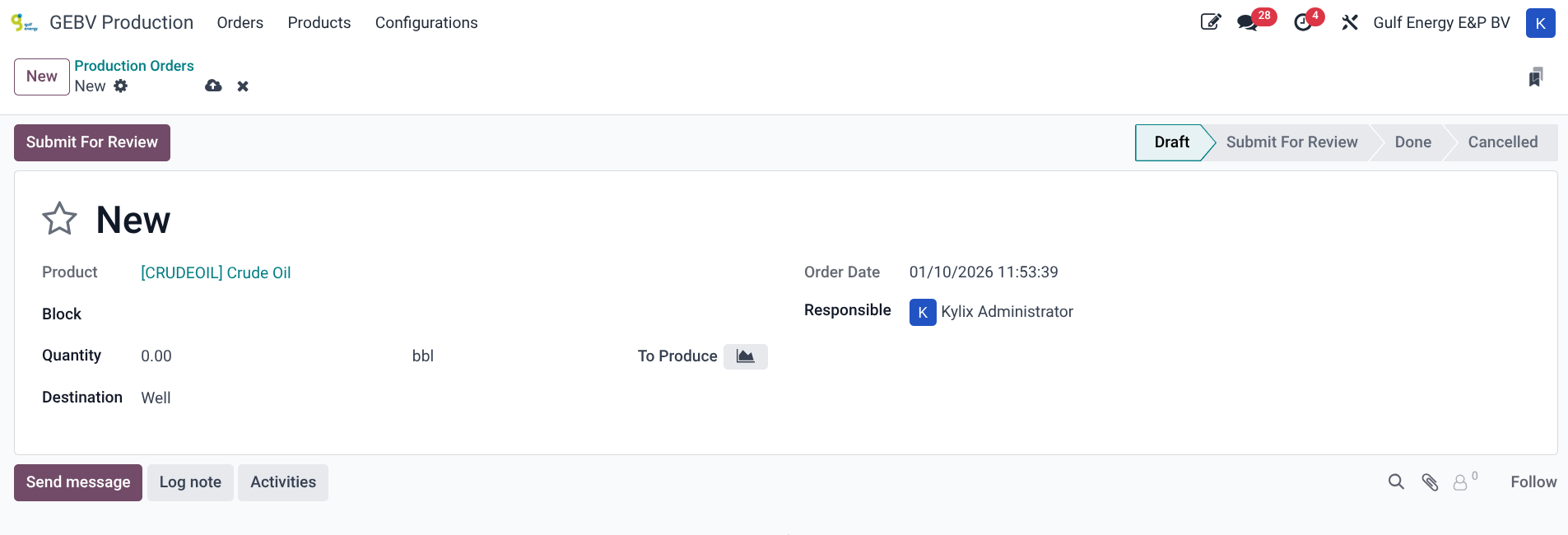
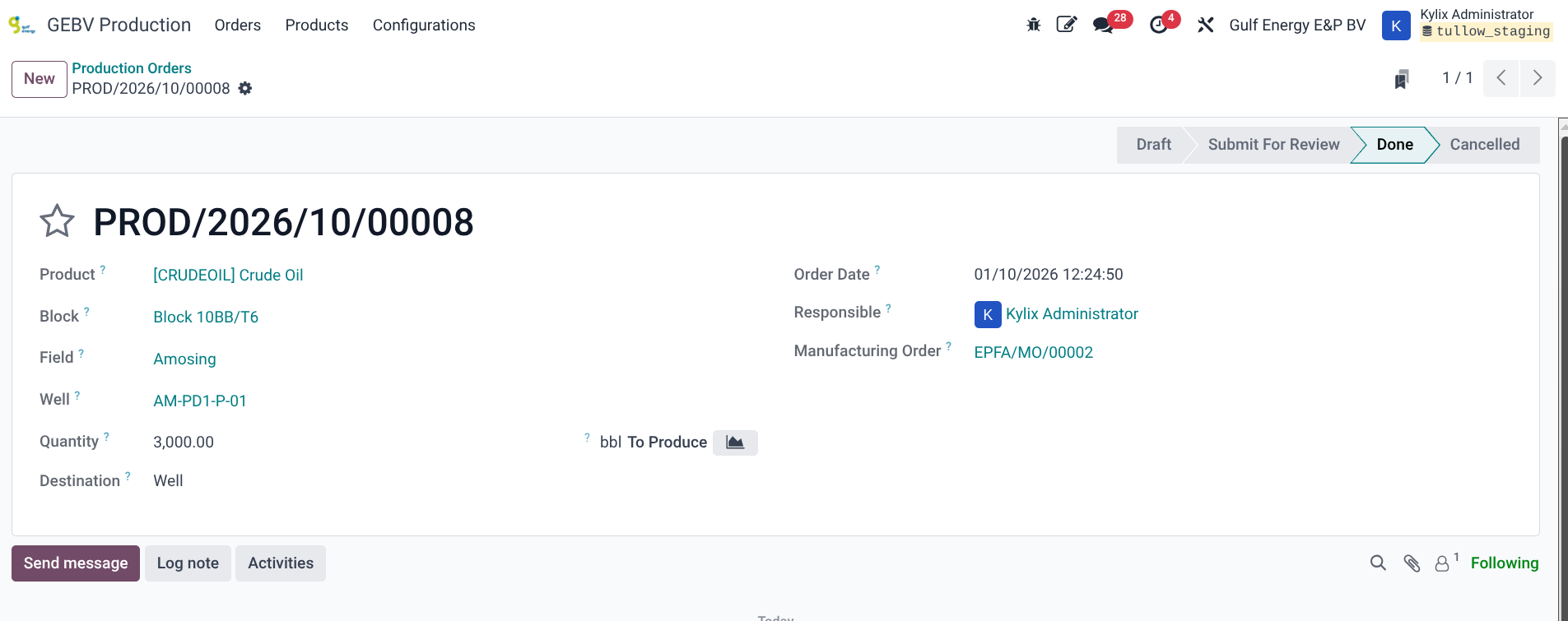
- The product to produce will be selected by default as CRUDE OIL, select the production block from the dropdown menu, which then will activate the field menu to be selected and then the production well. Update quantity to p[roduce and select the destination. By default, the destination is the well or otherwise it is the truck which has been loaded directly.
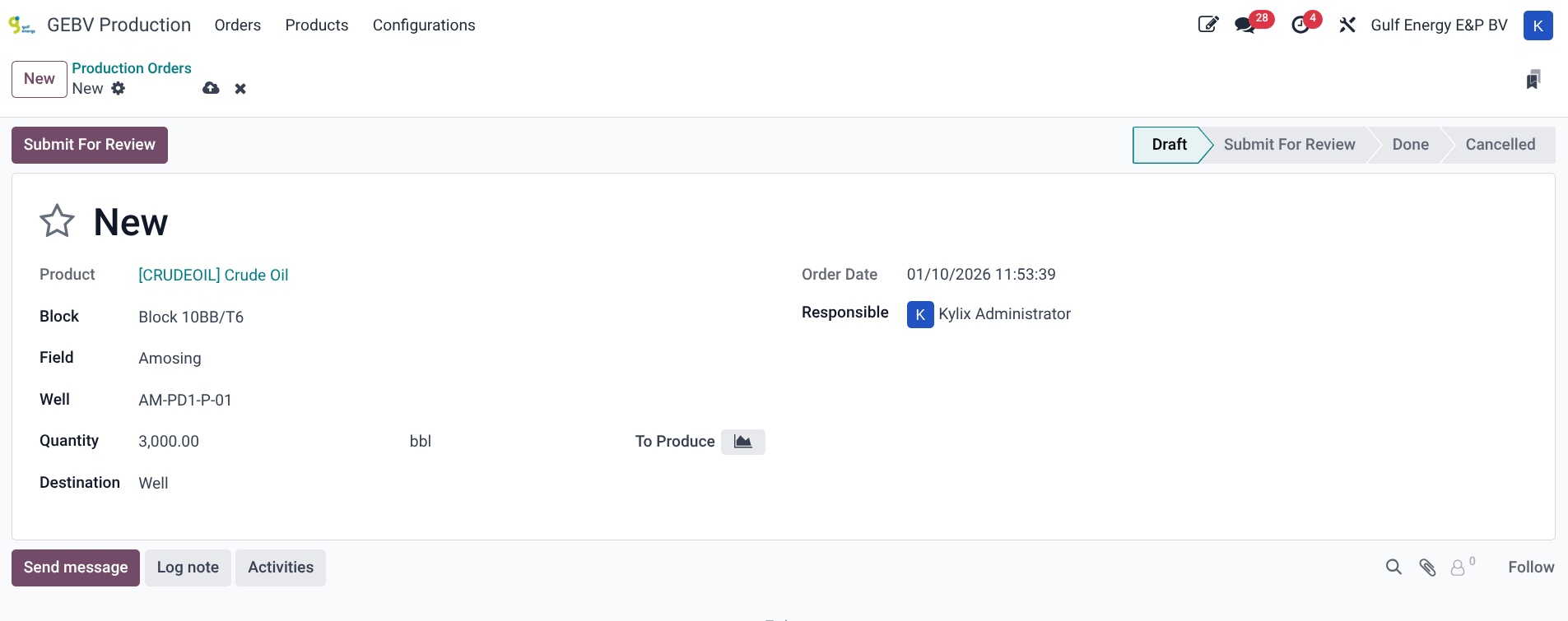
- Save the new production and click on the Submit for Review button when ready to submit.
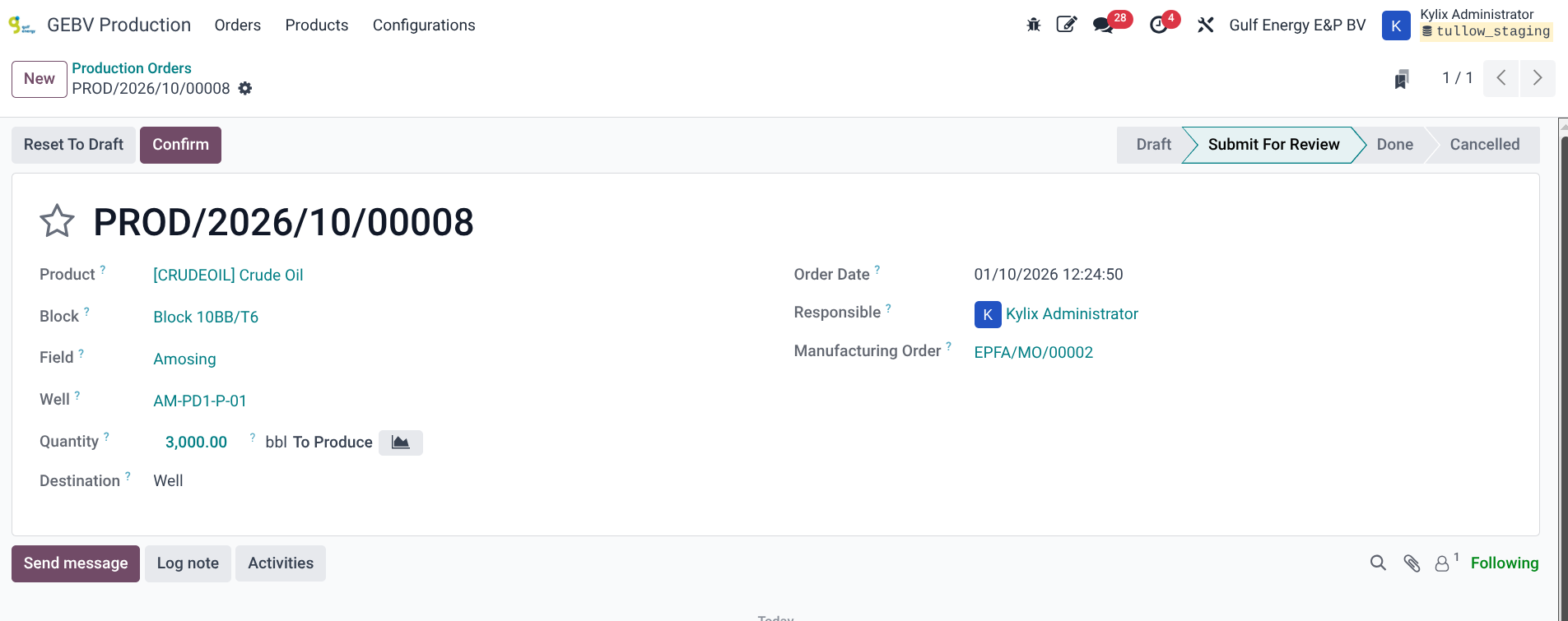
- The system will create a manufacturing order and this will be available on the new visible field Manufacturing Order.
- Once the production is confirmed, the system will confirm the production order and the associated manufacturing order
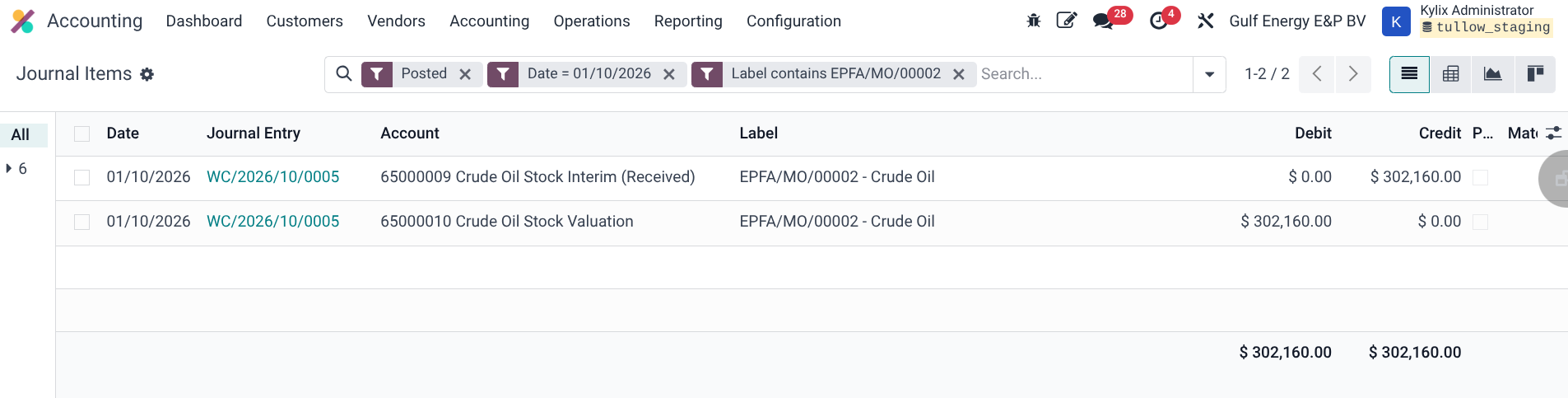
- At this point, the Accounting entries will be created and posted and they can be checked by searching for the accounting entries for the said date and the label includes the manufacturing order name. The value being the quantity multiplied by the cost on the product template.
Create a sale order for lifting
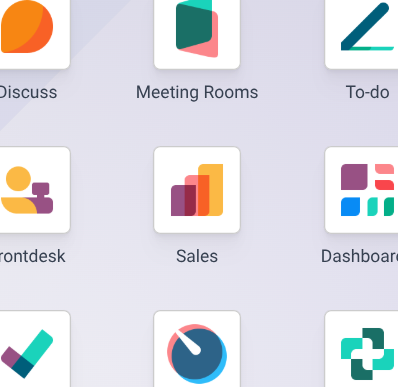
- Log in to the ERP with a user account which has access to the Sales module.
- Under Orders menu select Quatations
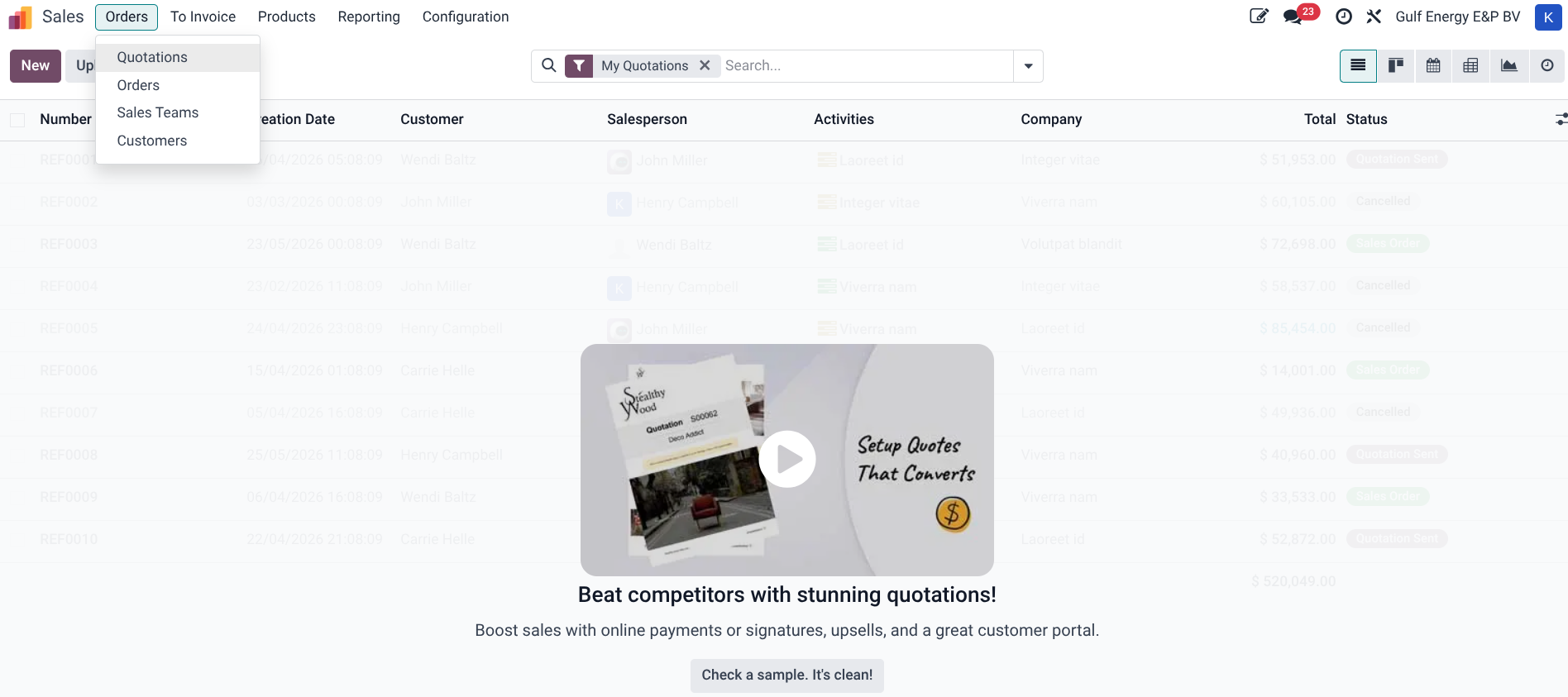
- Click the New button to create a new sales quotation
- Select Customer from dropdown, then select Product, update Quantity and Unit Price of the product. Set any discount on the product line either per dollar value or as a percentage
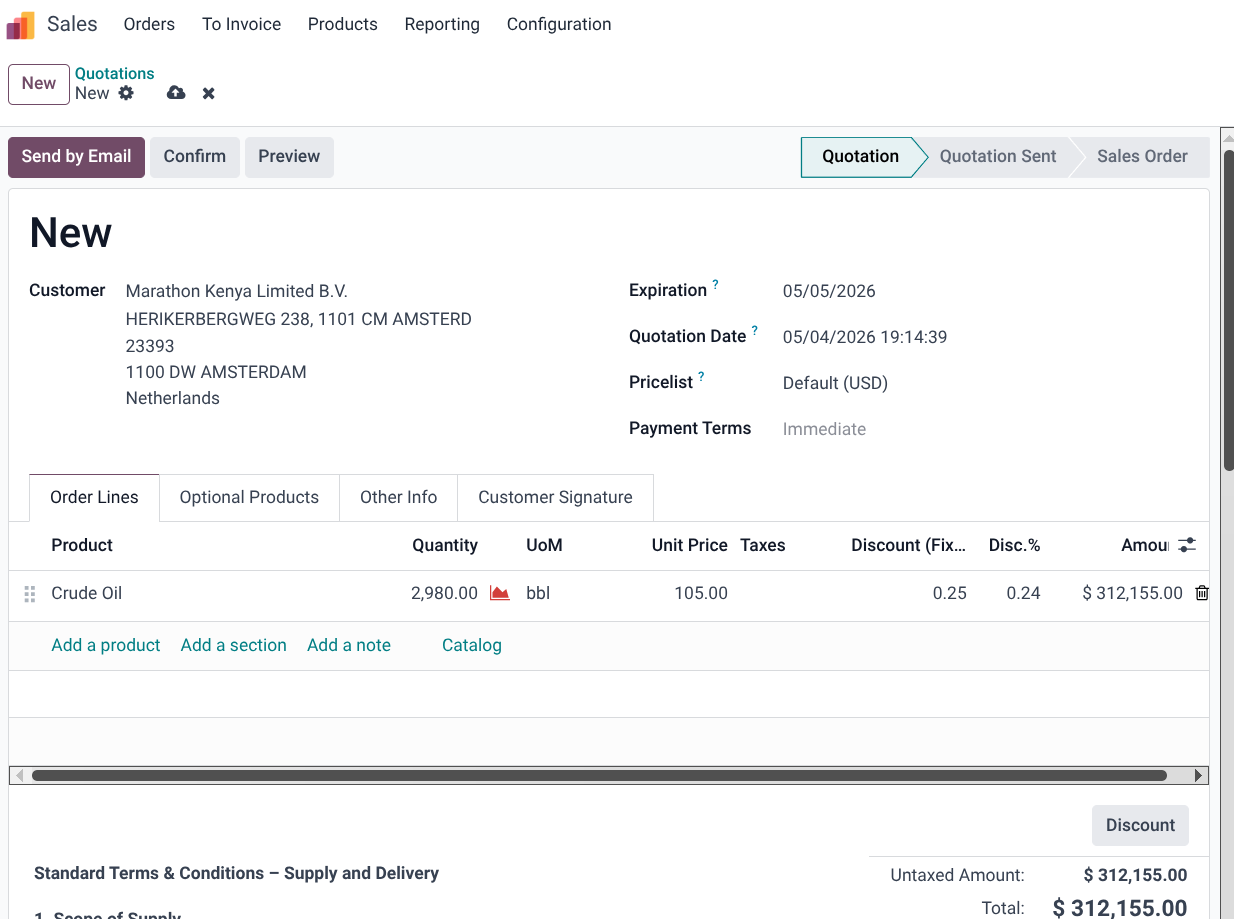
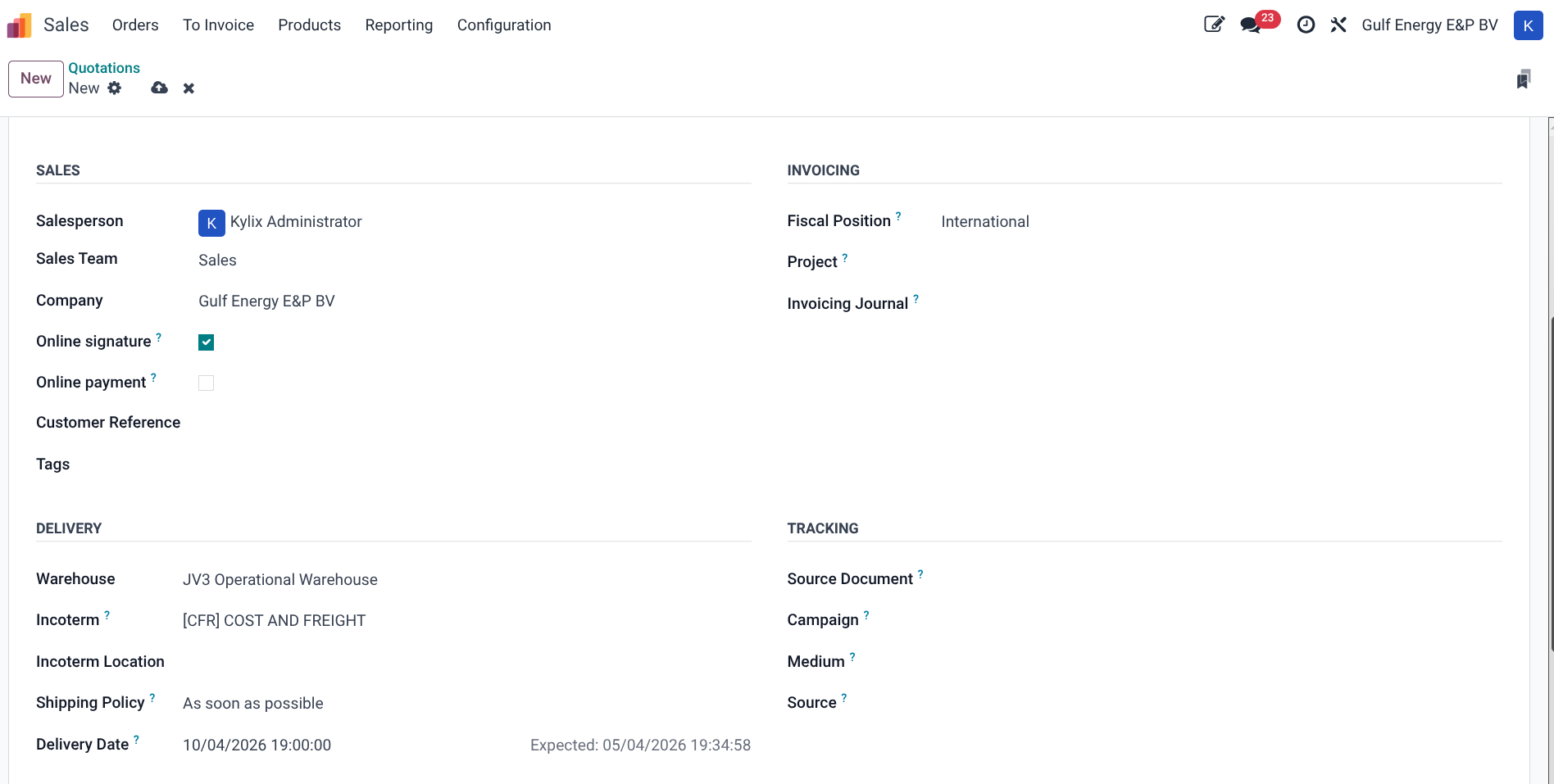
- On the Other Info tab, the delivery warehouse details can be set including the warehouse, incoterm, shipping policy and delivery date. The warehouse is important to specify the exact delivery location to avaoid inventory valuation errors if no transfers are done. The default warehouse is always the Corporate Office.
- The Quotation can then be saved and confirmed, printed out and sent to the customer if required.
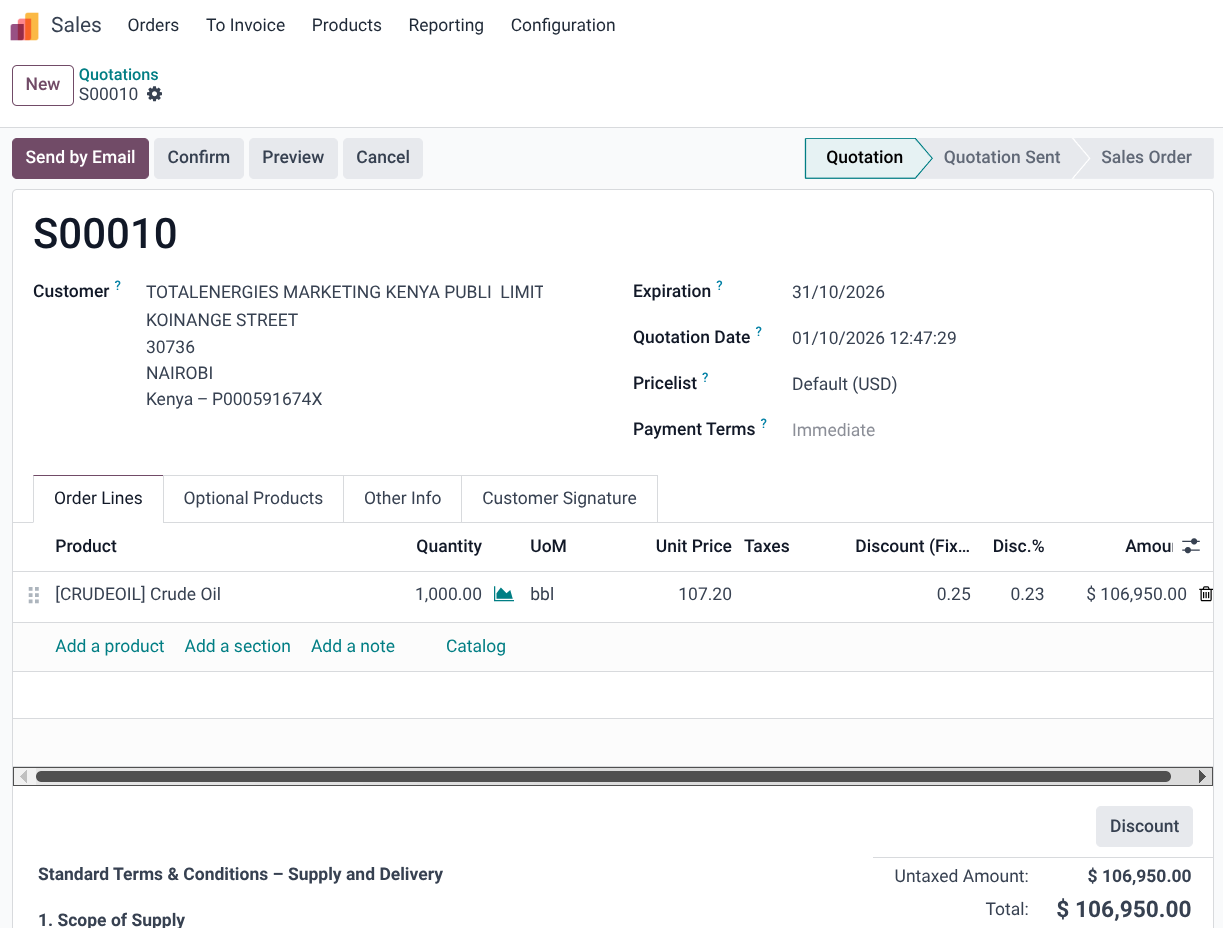
- The sales process does not affect inventory until the delivery is done ona dconfirmed. A smart button for delivery is available at the centre which once clicked opens up the warehouse modules
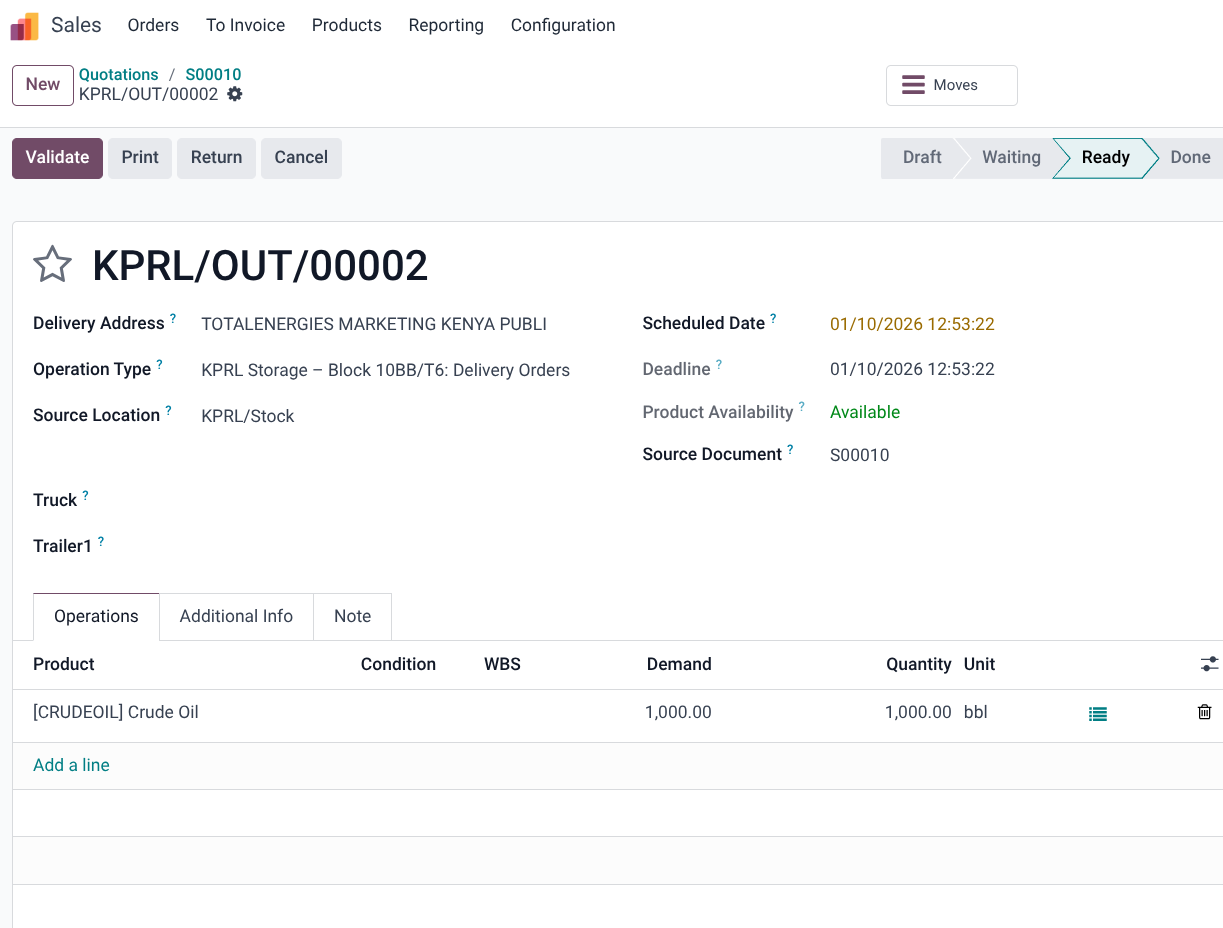
- If the whole quantity is delivered, the click Validate button to fully complete delivery and have the order ready for invoicing, Odoo allows for less quantity to be delivered and a seperate backorder to cover the subsequent deliveries or only invoicing of the delivered quantity.
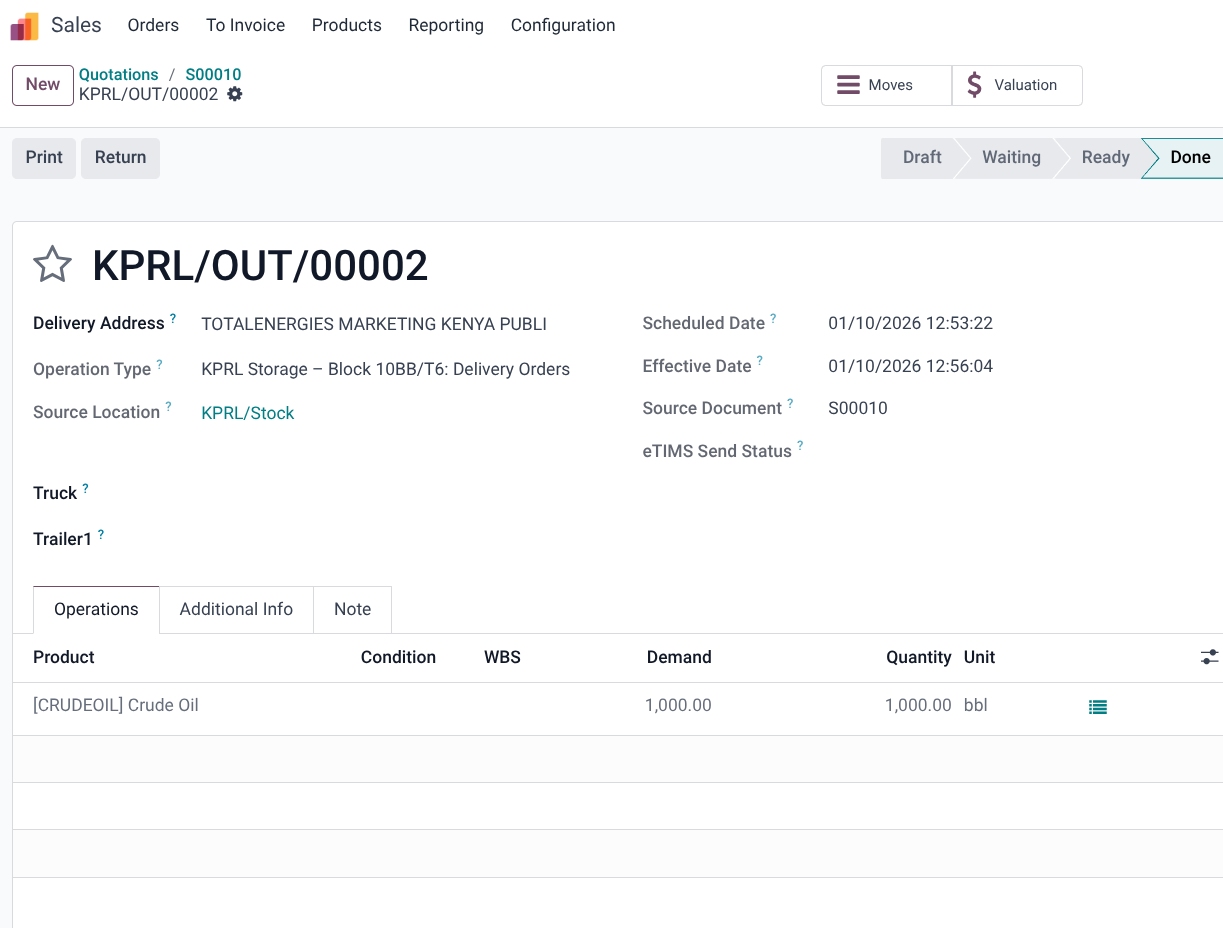
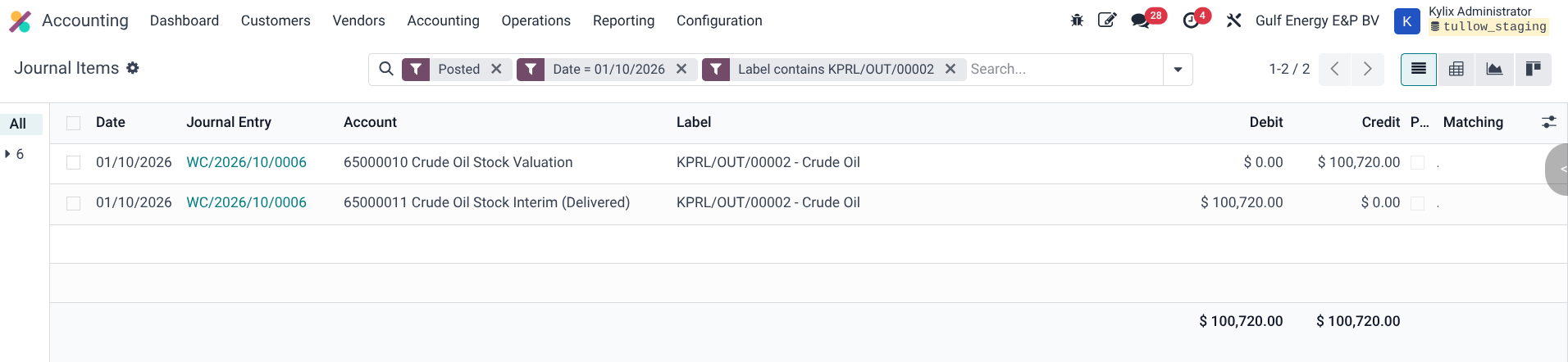
- At this point, two new sheets appear on the top middle section to allow for viewing the stock move and the stock valuation. Accounting entries are also created and can by checked by searching for the accounting entries for the said date and the label includes the delivery order name.
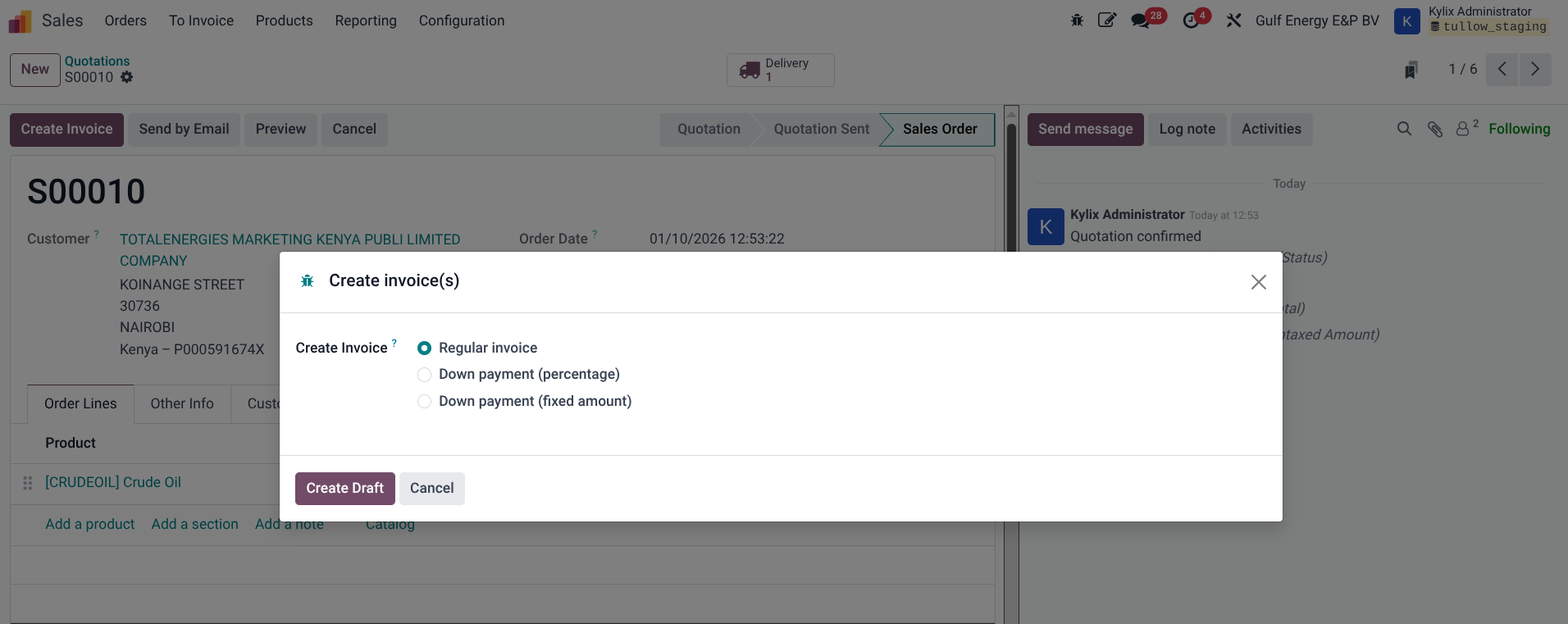
- An invoice can be created from the sales module by clicking the Create Invoice button which creates the invoice in draft on the Accounting module
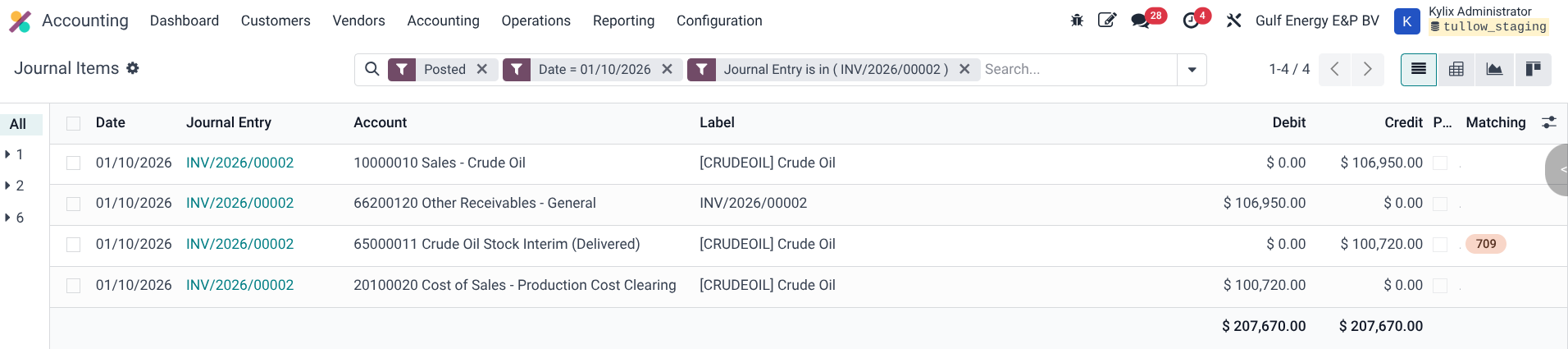
- The invoice can go through the required validations and approvals and once it is confirmed, the accounting entries are create.
Document Sign-off
| Role | Name | Date |
| Prepared By | Martha Ondigi | 15/05/2026 |
| Reviewed By | Joseph Okech | 15/05/2026 |
| Approved By | Beatrice Thuku | 12/08/2026 |
| Authorized By | ___________________ | __________ |